Your screen.
Your connection.
A look at the Windows app setup, using actual unconfigured app screens. The release installer and live account journey are still being checked.
Windows download status ↗Sign in
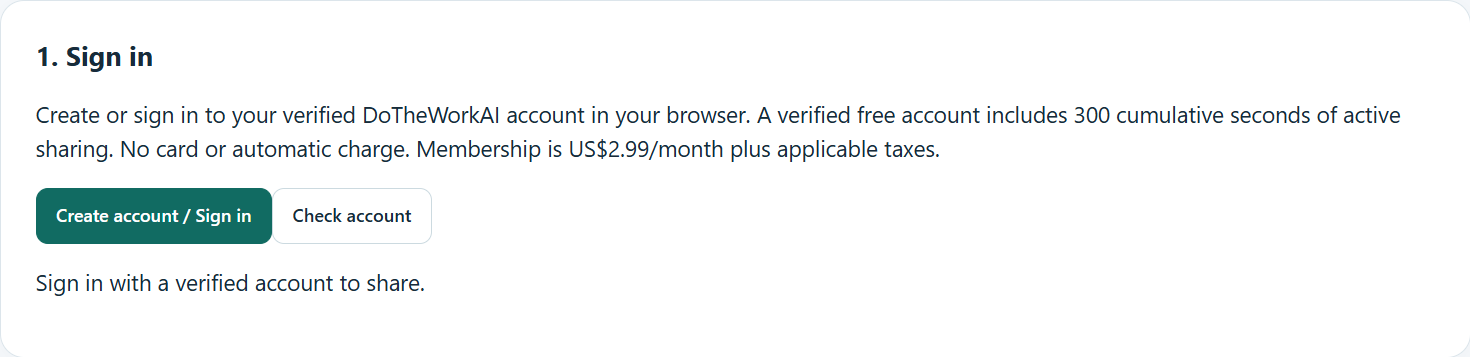
Connect your own tunnel
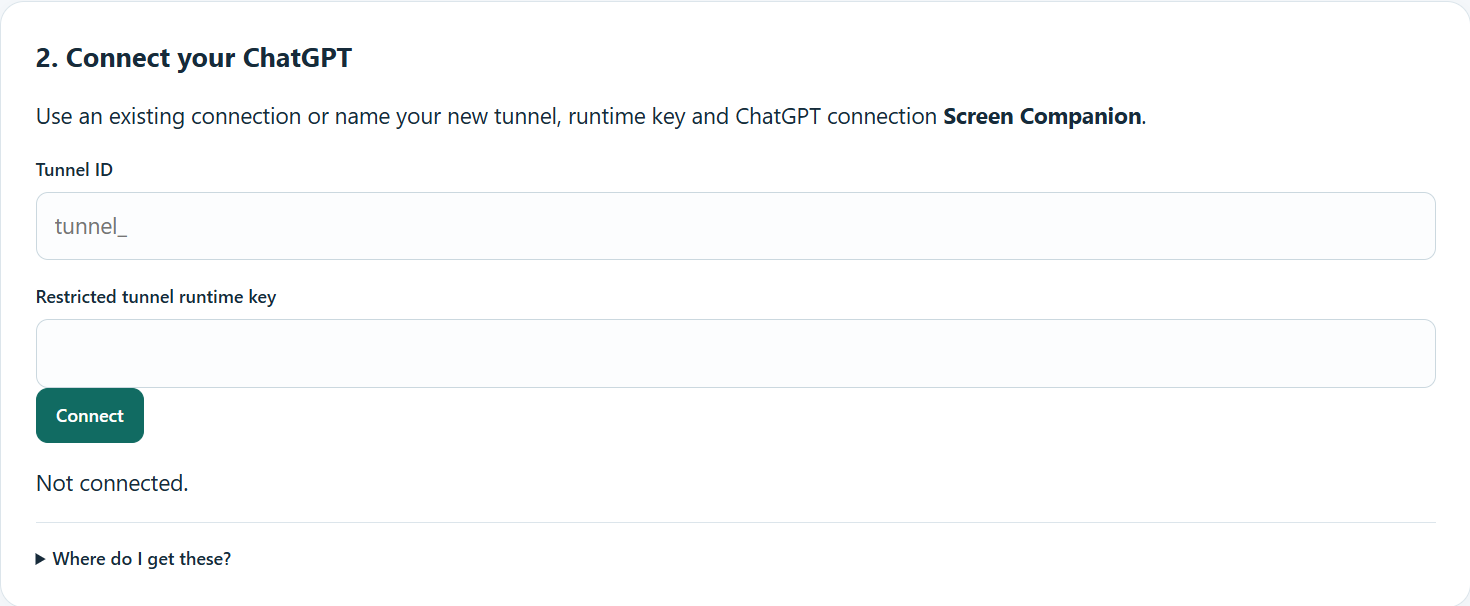
Verify the connection

Then: Share screen. Pause. Stop.
Choose Share screen, select your screen or task window, and use Pause/Resume or Stop when needed. Successful active sharing uses the 300-second account trial; setup and pauses do not. Payment never starts sharing for you.
For automatic guidance, a separate task window helps avoid feedback from ChatGPT’s own replies. Automatic event guidance and spoken guidance still need real ChatGPT-host acceptance; neither is promised as available.
Your restricted runtime key authenticates the tunnel. It does not configure model API billing. Enter it only in the app; never paste it into ChatGPT or this website. Screenshots above show the actual Windows development app before setup, not completed installation, sign-in or sharing.